
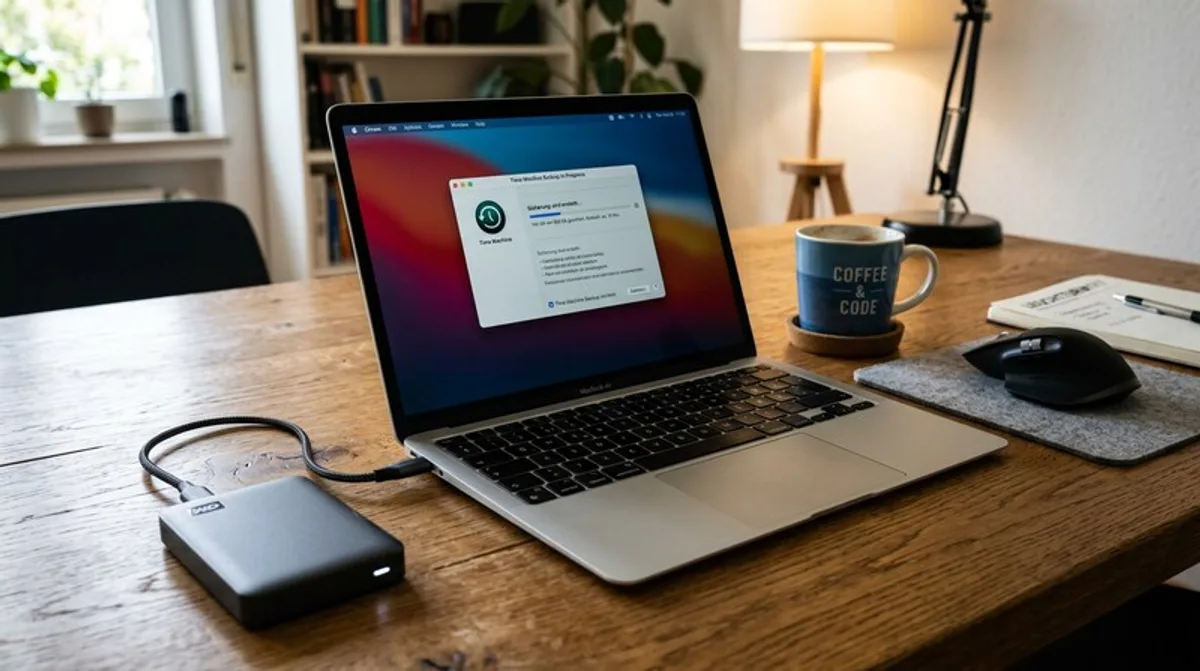
External Hard Drives: Easy Data Backup
External hard drives are essential for reliable data backup. Here you'll find the best deals and everything you need to know about selection and usage.
Data loss is a nightmare that every computer user fears at least once. Whether due to a hard drive failure, a virus attack, or simply human error – the consequences can be devastating. Fortunately, there's a simple and effective solution: using an external hard drive for data backup. This blog post explains why external hard drives are essential and how to use them effectively.
What You Should Know
An external hard drive is essentially a portable hard drive that connects to your computer via USB or Thunderbolt. It's like an extra, secure copy of your important data. Unlike backing up to a cloud service, where you depend on an internet connection, with an external hard drive, you can back up and restore your data anytime, anywhere. Capacities are enormous these days, and there are models for every need – from simply backing up photos and documents to entire system images.
It's important to understand the difference between a simple copy and a proper data backup. A copy is merely a duplication of your files. A data backup, on the other hand, often includes version control, so you can restore older versions of your files if you regret a change or a file becomes corrupted. Many backup software solutions offer this functionality.
Before you choose an external hard drive, you should consider the following factors:
- Capacity: How much storage space do you really need? Realistically estimate your needs and allow for some buffer. Better a little more than too little.
- Speed: USB 3.0 or Thunderbolt offer significantly higher transfer speeds than older USB standards. This greatly accelerates the backup process.
- Robustness: If you often transport the drive, you should look for a robust enclosure that can withstand bumps and vibrations. Models with water resistance are also available.
- Security: Some external hard drives offer hardware encryption to protect your data from unauthorized access.
- Type of Hard Drive: There are traditional HDDs (Hard Disk Drives) and faster SSDs (Solid State Drives). HDDs are cheaper, SSDs offer higher speeds and are more resistant to shocks.
Practical Tips
Acquiring an external hard drive is only the first step. Here are some practical tips to optimize your data backup:
- Regular Backups: Schedule regular backups into your daily routine. Once a week or even daily is ideal, depending on how often you work with your data.
- Automatic Si