Digital Art: Tablets, Pens & Drawing Deals
Digital art is becoming increasingly popular! Find the right tablets and pens with our current deals and start your creative journey.
The world of digital art is booming! More and more artists are discovering the benefits of tablets and pens to express their creativity. Whether you're a beginner or an experienced artist, the possibilities are endless. In this blog post, we'll show you how to get started in the digital drawing world, what devices you need, and how to save money in the process.
What You Should Know
Before you dive into the digital drawing world, there are a few important things to keep in mind. It's not just a pen and a tablet – it's a combination of hardware, software, and of course, your own creativity. The selection of tablets and pens can be overwhelming, so we want to give you a few guidelines here.
The Hardware: Tablets and Pens
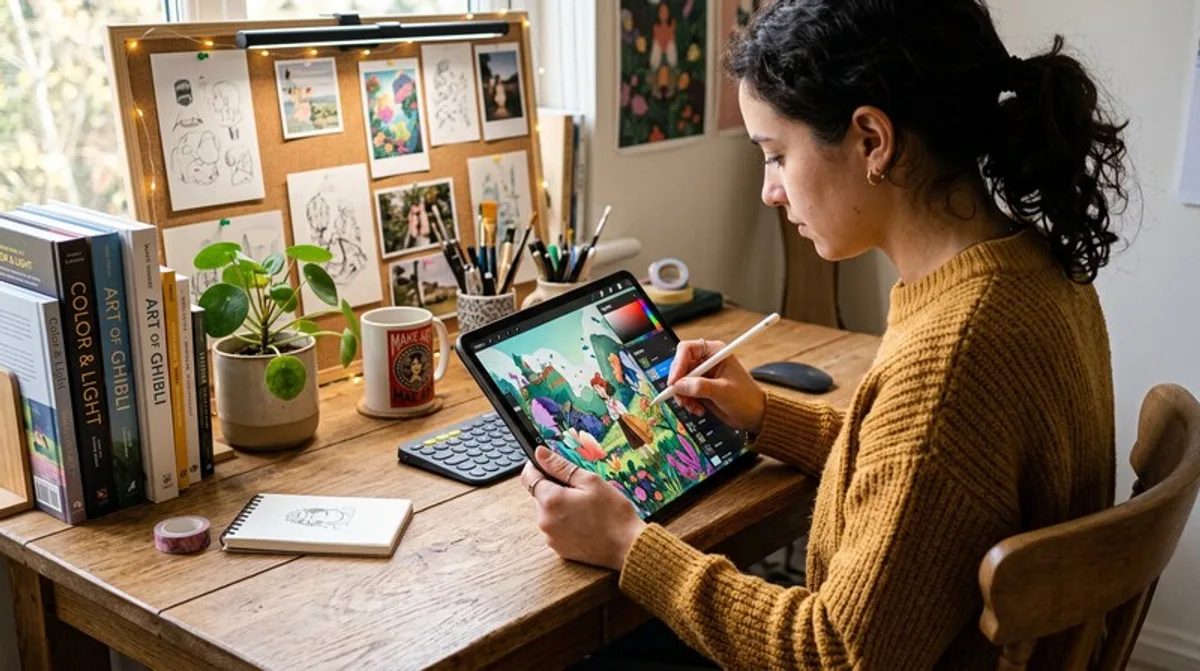
There are basically two types of tablets suitable for digital drawing: iPads and Android tablets (like Samsung Galaxy Tabs) as well as specialized graphics tablets with or without a screen. iPads are known for their intuitive operation and the huge selection of apps, while Android tablets often offer a better price-performance ratio. Graphics tablets without a screen, such as those from Wacom, require a certain amount of getting used to, as you look at the screen of your computer while drawing on the tablet. Tablets with a screen, such as the iPad Pro or the Samsung Galaxy Tab S8 Ultra, offer a more direct drawing experience.
The Pen: More Than Just a Pen
The pen (often also called a "stylus") is your most important tool. Make sure it has good pressure sensitivity, meaning it can draw lines of different thicknesses depending on the pressure applied. Many pens also offer tilt sensitivity, which allows you to create shading and effects. The compatibility of the pen with the tablet is of course essential. Apple Pencil for iPads, S Pen for Samsung Galaxy Tabs, and Wacom pens for their devices are common options.
The Software: Your Digital Canvas
There are a variety of drawing apps for tablets. Popular options include Procreate (exclusive to iPad), Adobe Photoshop Sketch, Autodesk Sketchbook, and Clip Studio Paint. Many apps offer free trial versions, so you can try out different programs before deciding on one.
- Pressure Sensitivity: The higher, the better for detailed drawings.
- Tilt Sensitivity: Allows for shading and artistic effects.
- Compatibility: Make sure the pen is compatible with your tablet.
- Software: Try out different drawing apps to find the one that's right for you.
- Size and Weight: Pay attention to a tablet that fits well in your hand and is comfortable to draw on.
Practical Tips
Switching to digital art can