
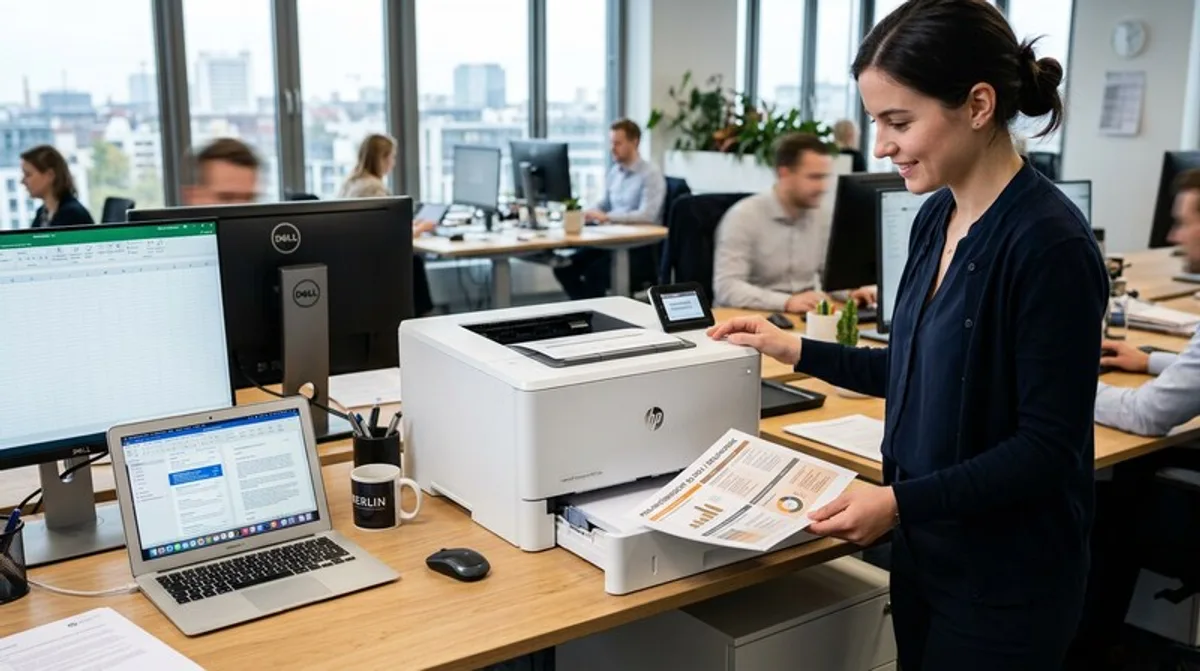
The Best Printers for Office & Home-Office
The right printer is essential for every office. Discover the best deals at RabattZen and save money on your next purchase.
In today's modern office environment, whether in a traditional office or the growing home-office setup, printers are indispensable helpers. However, the selection is vast, and the requirements are diverse. This blog post will help you find the perfect printer for your needs in 2024, whether you need to print large documents, create photos, or simply occasionally print something. We'll examine important aspects and give you practical tips on how to save money in the process.
What You Should Know
Before you get lost in the technical details, it's important to clearly define your requirements. A small office has different needs than a freelancer who primarily prints invoices and contracts. It's not just about how quickly a printer can print (pages per minute, ppm), but also about the quality, the cost per page, and the ease of use. The variety of printer models can be overwhelming, so a structured approach is essential.
- Printer Types: There are inkjet printers (ideal for photos and occasional printing) and laser printers (faster and more cost-effective for large volumes). Hybrid models attempt to combine the advantages of both technologies, but are often compromises.
- Printing Volume: How many pages do you print on average per month? A low printing volume (< 50 pages) requires a different type of printer than a high printing volume (> 200 pages).
- Features: Duplex printing (double-sided printing), Wi-Fi connectivity, cloud printing, and automatic document feeding (ADF) are useful features that can simplify your workflow.
- Ink or Toner Cartridges: Pay attention to the cost per page. Original cartridges are more expensive but often offer better quality. Alternatively, compatible cartridges can be a more cost-effective option, but be sure to check their reliability.
- Connectivity: USB is standard, but Wi-Fi and Ethernet offer more flexibility, especially in the office. Many modern printers also support cloud services like Google Cloud Print or Apple AirPrint.
Practical Tips
Acquiring a printer is just the beginning. Here are some tips to help you get the most out of your printer and extend its lifespan. Printers are often delicate devices, so good care is essential. The choice of paper also plays an important role for print quality and avoiding paper jams.
- Regular Cleaning: Clean the print heads (on inkjet printers) regularly to prevent clogs.
- Energy Saving: Don't simply turn off the printer, but put it in energy-saving mode.
- Use Duplex Printing: Use the duplex function to save paper and protect the environment.
- Printer Settings o