
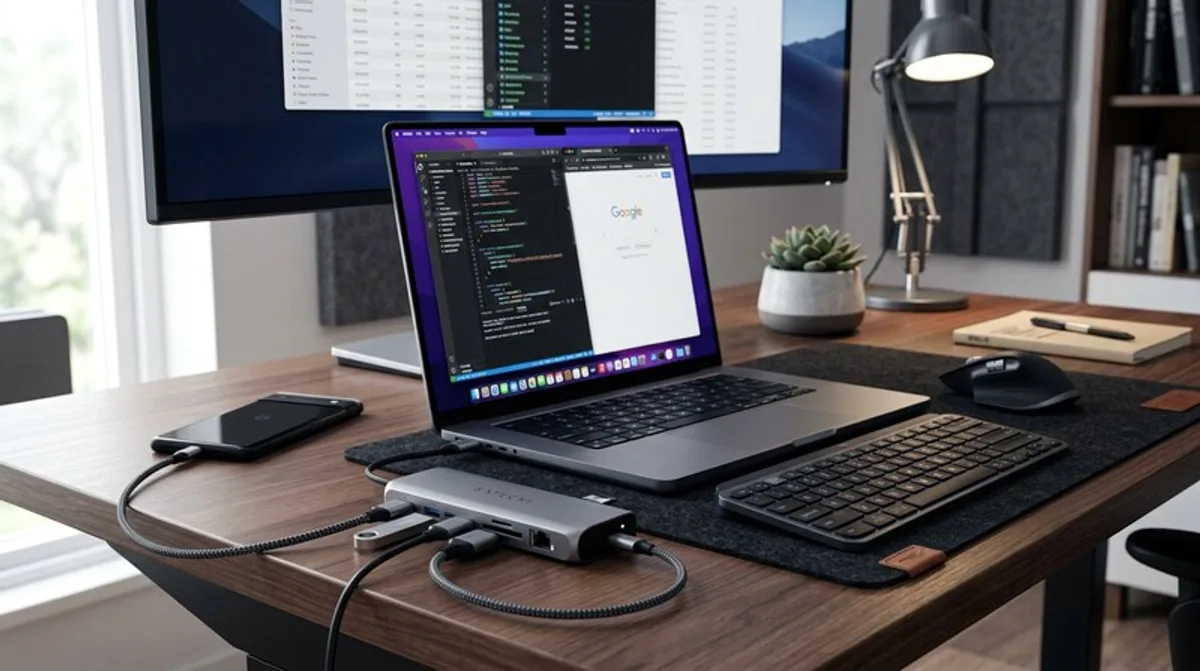
USB Hub for Your Desk: Tech & Deals
Need more ports at your desk? A USB hub is a clever solution for more tech comfort and organization. Discover our selection of current deals and top products!
Is your desk a tech battlefield? Do more and more devices need connections? Then you know the problem: Your laptop or tablet simply doesn't have enough USB ports. This is where the USB hub comes in – a small, but incredibly useful gadget that organizes your workspace and expands your tech enjoyment. In this blog post, you'll learn everything you need to know about USB hubs, from the most important criteria to clever ways to save money.
What You Should Know
A USB hub (also known as a USB splitter) is a small device that connects to a single USB port on your computer and expands it into multiple ports. This is especially useful when you want to use multiple devices at the same time: mouse, keyboard, external hard drive, webcam, microphone, smartphone – all can be connected simultaneously. But not all USB hubs are the same. There are important differences that you should know before buying.
USB Versions: The most important difference is the USB version. Currently, USB 2.0, USB 3.0 (also called USB 3.1 Gen 1), and USB 3.2 (USB 3.1 Gen 2) are current. USB 2.0 is the oldest standard and offers a maximum data transfer rate of 480 Mbit/s. USB 3.0 is significantly faster with up to 5 Gbit/s and is backward compatible with USB 2.0. USB 3.2 offers even higher speeds, but these must be supported by the connected devices. Make sure your hub and your devices support the same or a compatible USB version to take full advantage of the performance. An older hub will limit the speed of all connected devices, even if they support USB 3.0.
Power Supply: Some USB hubs are powered exclusively via the computer's USB port. Others have their own power supply, which is provided via a power adapter. Devices that require a lot of power (e.g., external hard drives) often benefit from the additional power supply, as they otherwise could overload the computer's USB port. A hub with its own power supply is also useful if you want to operate many devices at the same time.
Number of Ports: The number of USB ports is, of course, an important criterion. Consider how many devices you want to connect at the same time and choose a hub with the corresponding number of ports. There are hubs with 4, 7, 10 or even more ports. But also pay attention to the distribution of USB versions – often not all ports are the fastest variant.
Additional Features: Some USB hubs offer additional features such as card readers, HDMI output, Ethernet connection, or even an integrated charging station. This can significantly increase the functionality of your desk.
Form Factor: USB hubs come in various designs: as small desktop devices, as integrated solutions for the