
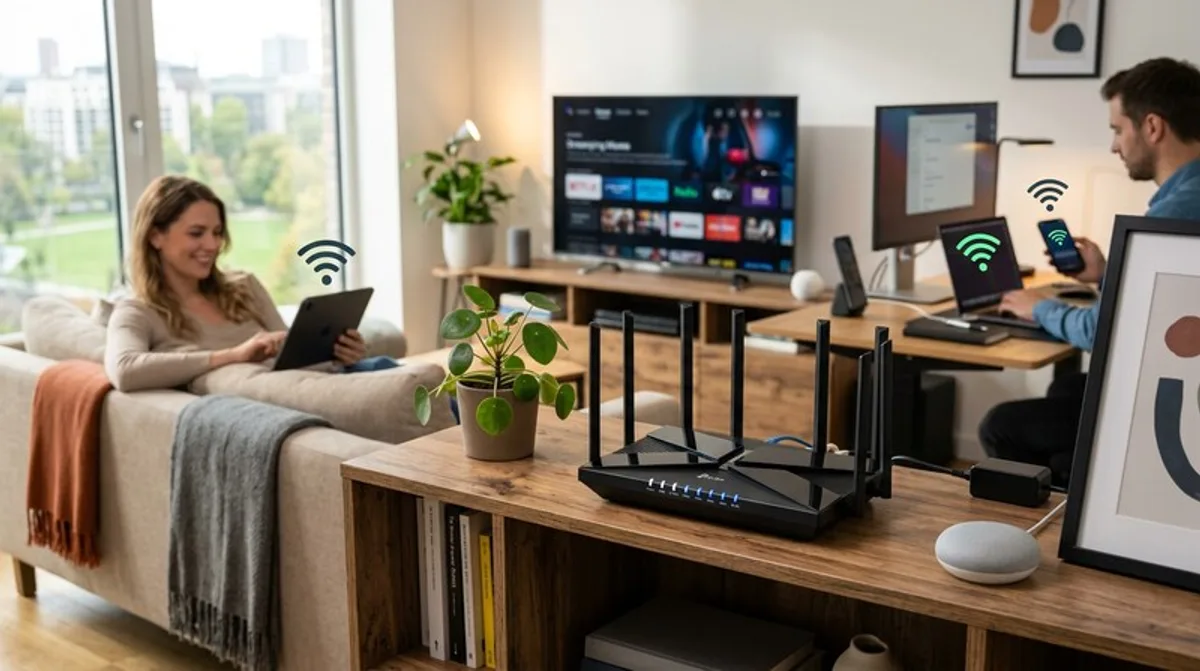
Modern Home Network: Wi-Fi Routers & Deals
Your home network is the heart of your digital world. We'll show you how to optimize it with modern Wi-Fi routers and smart deals.
Welcome to our blog post about modern home networks! In our increasingly connected world, a stable and fast Wi-Fi connection is no longer optional. Whether you're streaming, online gaming, or working from home, a reliable home network is the foundation for all these activities. We'll explain what you need to know about building and optimizing your Wi-Fi and where you can find great deals on your new Wi-Fi router.
What You Should Know
A modern home network is more than just a Wi-Fi router. It's a complex system consisting of various components that are constantly evolving. Here's an overview of the most important aspects:
- The Wi-Fi Router: The heart of your home network. It distributes the internet signal to all your devices. Modern routers offer not only fast Wi-Fi (often Wi-Fi 6 or even Wi-Fi 6E), but also additional features such as mesh systems, parental controls, and integrated security features.
- The Internet Connection: Your router can only be as fast as your internet connection. Check if your current plan still meets your needs and whether an upgrade would be worthwhile.
- Mesh Systems: Especially in larger apartments or houses, the range of a single router is often not sufficient. Mesh systems consist of multiple Wi-Fi points that create a seamless network and provide even coverage.
- Wi-Fi Standards: Wi-Fi 6 (802.11ax) is the current standard and offers significantly higher speeds and better performance compared to older versions like Wi-Fi 5 (802.11ac) when many devices are connected simultaneously. Wi-Fi 6E extends Wi-Fi 6 with the 6 GHz band, which can lead to less interference.
- Security: A secure home network is crucial. Enable WPA3 encryption (or at least WPA2), use a strong password, and always keep your router's firmware up to date.
Many people underestimate how important the correct placement of the router is. Place it as centrally as possible in the house, free from obstacles such as thick walls or metal objects. The orientation of the antennas can also affect the range. Experiment with it to find the optimal configuration for your home.
Practical Tips
Here are a few practical tips on how to take your home network to the next level:
- Keep Router Firmware Up to Date: Manufacturers regularly release firmware updates that fix bugs, improve performance, and enhance security.
- Set Up Guest Wi-Fi: This allows you to give visitors access to the internet without compromising your main network.
- QoS (Quality of Service