
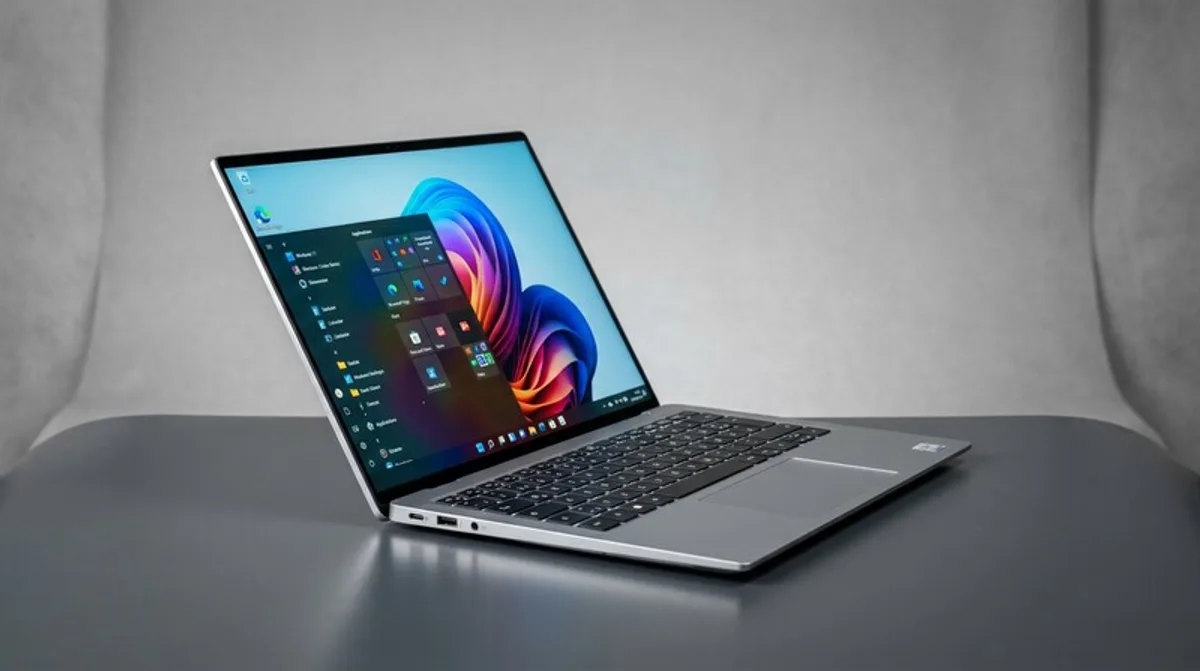
Laptop vs. Notebook: Which One is Right?
The terms laptop and notebook are often used synonymously, but there are important differences. We'll explain which device is best suited for your needs and where to find the best deals.
Digitalization has long since become a part of our everyday lives. Whether you're studying, working in an office, or working from home, a powerful device is now essential. But when choosing, you quickly encounter different terms: laptop, notebook, computer – what do they actually mean, and which one is right for your needs? This blog post will help you keep track and make the best decision.
What You Should Know: Laptop vs. Notebook – The Differences in Detail
Actually, "laptop" and "notebook" are almost synonyms nowadays. Originally, however, there were differences. "Laptop" was the older term and referred to the design: a device that could be placed "on your lap" due to its size. "Notebook," on the other hand, was intended to emphasize compactness and energy efficiency. Nowadays, these boundaries are blurring more and more. The terms are often used interchangeably, although there are still subtle differences in perception. Generally, both terms describe a portable computer device that combines the functionality of a desktop PC in a compact form.
The term "computer" is the umbrella term. It encompasses all types of computers, from supercomputers to smartphones. A laptop or notebook is therefore a specific type of computer.
Checklist: Find the Right Device
Before you decide on a device, you should ask yourself some questions and define your needs. Here's a small checklist to help you decide:
- Mobility: How often will you be transporting the device? A lighter notebook is ideal for students who commute between university, the library, and home office. A laptop with a larger screen and more power may be the better choice for office workers who mainly work at a desk.
- Performance: Which programs and applications will you be using? Basic text processing and surfing the internet are sufficient for a basic model. For demanding tasks such as video editing, programming, or CAD applications, you need a more powerful processor, more memory, and a dedicated graphics card.
- Screen Size: The screen size affects portability and working comfort. Smaller screens (13-14 inches) are more compact, while larger screens (15-17 inches) offer more space for multiple windows. Also, pay attention to the resolution: Full HD (1920x1080) is now standard, QHD or UHD (4K) offer even sharper images.
- Battery Life: If you're often on the go, long battery life is crucial. Pay attention to battery life specifications and read reviews to get a realistic assessment.
- Ports: What ports do you need? USB-A, USB-C, HDMI