
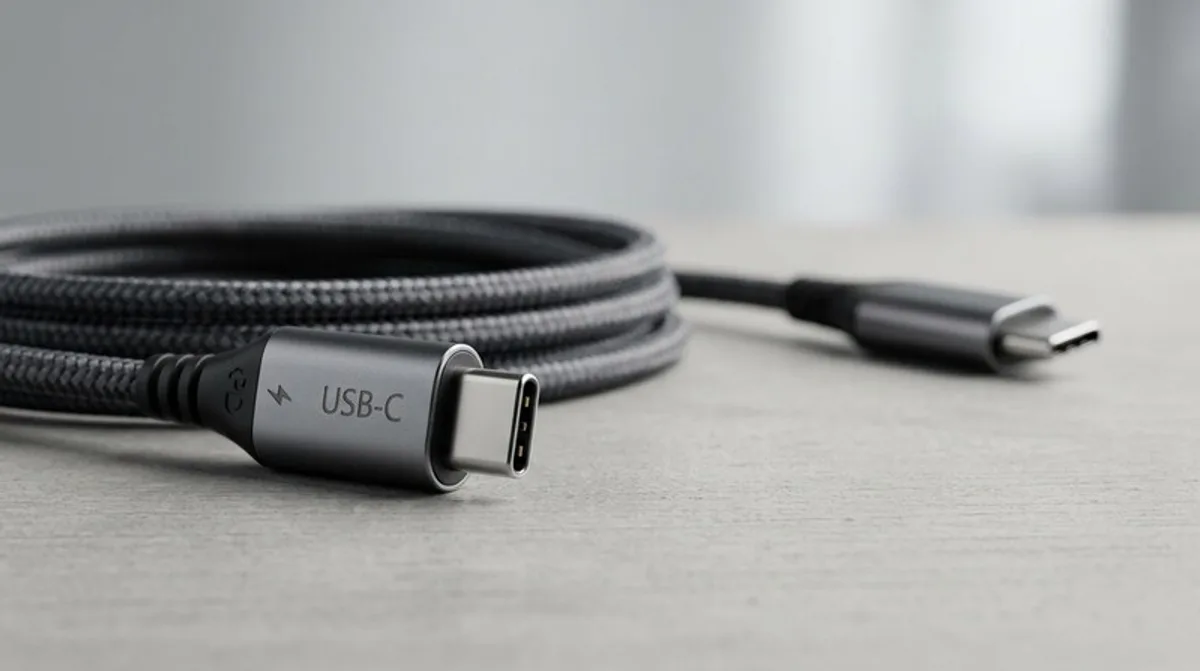
USB-C Cables: The Best Deals & Tests
USB-C cables are everywhere these days! Discover the best deals and tests for charging cables, data cables, and Power Delivery cables at RabattZen.
The USB-C cable is no longer just a cable. It's the key to quickly charging your smartphone, tablet, or laptop, and the interface for data transfer between devices. But the selection is huge, and the terms are often confusing: USB-C, Type-C, charging cable, data cable, Power Delivery – what do all these designations really mean? In this blog post, we'll clear things up and show you what to look for when buying a USB-C cable in June 2024.
What You Should Know
USB-C is the physical connector standard. That means it describes the shape of the port. This port is now the de-facto standard for many modern devices. However, a USB-C port alone doesn't mean the cable supports certain functions. This is where the difference between charging cables and data cables comes into play. A simple USB-C charging cable charges your device but doesn't transfer data. A data cable can do both – charge and transfer data. And then there's the particularly fast variant: Power Delivery (PD).
Power Delivery (PD): PD is a specification that allows USB-C cables to deliver significantly more power than conventional USB connections. This means that devices like laptops and tablets can be charged much faster. PD cables are usually a bit thicker and more expensive, as they are designed for higher power transmission. Make sure your device supports Power Delivery to fully exploit the benefits.
The different lengths: USB-C cables come in various lengths. A short USB-C cable (often referred to as a "USB-C short cable") is ideal for the desk or car, where you don't have much space. A long USB-C cable (e.g., "USB-C long cable") offers more flexibility and reach, e.g., to conveniently charge the device on the bed or sofa.
Data transfer speed: The data transfer speed also plays a role. Depending on the cable standard (USB 2.0, USB 3.0, USB 3.1, USB 3.2), the speed can vary greatly. For normal use, USB 2.0 or USB 3.0 is usually sufficient, but if you want to transfer large files quickly, you should choose a USB 3.1 or USB 3.2 cable.
- Check the connector: Make sure the cable has a USB-C connector on both sides if you need a cable for two devices (e.g., USB-C to USB-C).
- Check compatibility: Is the cable compatible with your device? Devices with Power Delivery require a PD-enabled cable.
- Pay attention to the length: Choose the length that suits your needs.
- Consider the data transfer speed: Do you need high transfer rates?
- Read reviews: What do other buyers say about the quality and performance